

RetailPOS
Every barcode, pack and shelf, counted and sold.
Products with their variants, packs and barcodes; stock received against the order; a checkout built for the queue; returns against the receipt — and a till that keeps selling when the connection drops.
- kinds of shop set up for, from supermarkets to spare parts
- 17
- retail reports, each saying what it counts
- 13
- database of your own for the shop
- 1
What it does
Everything it does, in plain words.
-
Barcodes, packs and variants
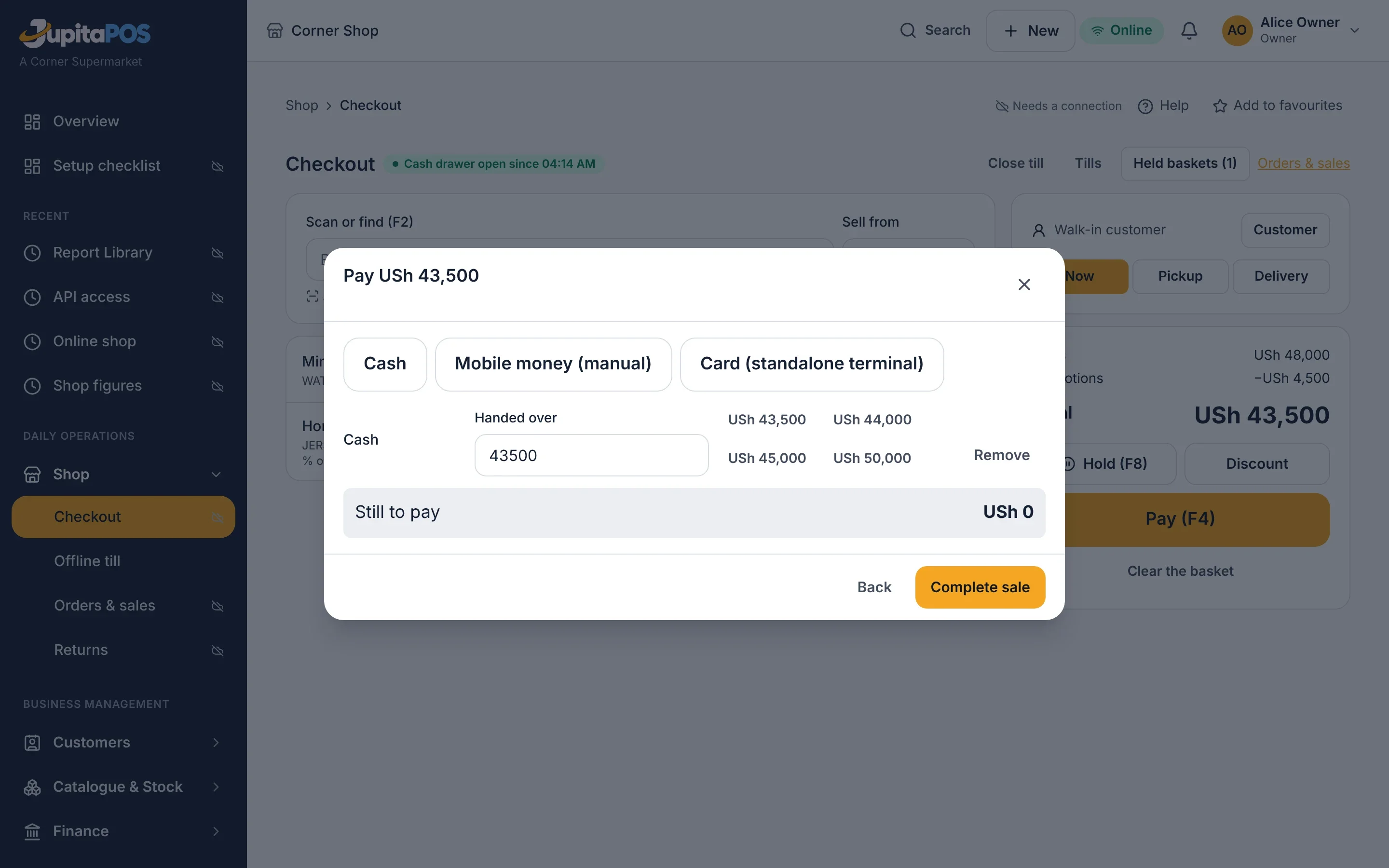
Sell a single bottle or the carton: each pack has its own barcode and price, and stock is kept in the base unit.
-
Purchasing and receiving
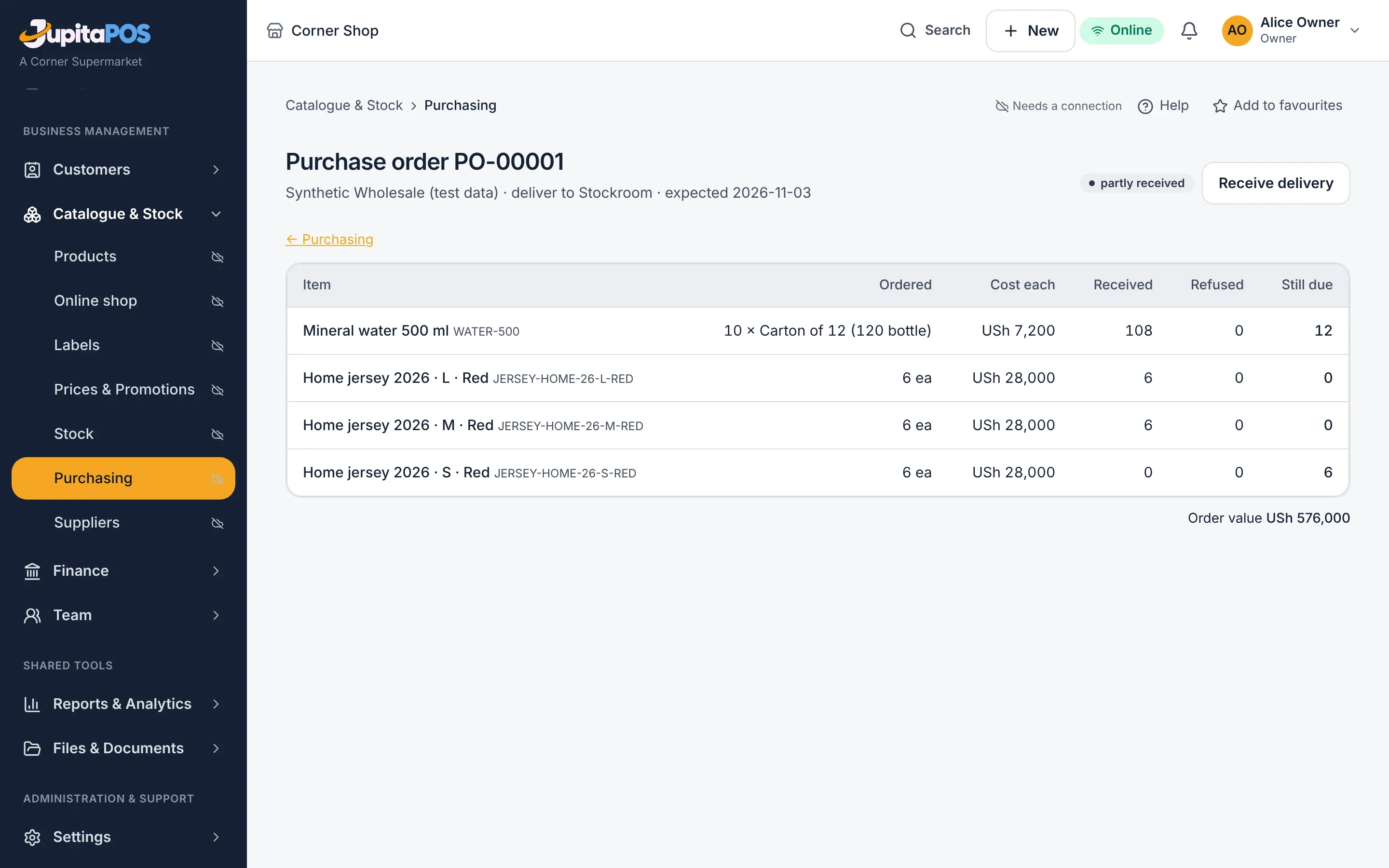
Purchase orders to suppliers, received against what was ordered, with what arrived damaged or short recorded.
-
A checkout for the queue
Scan or search, hold a basket, cash with change, manual mobile money, a standalone card terminal; pickup and delivery.
-
Returns that stay honest
Against the receipt, never more than was sold; refund, exchange or credit, and damaged goods kept out of saleable stock.
-
An online shop
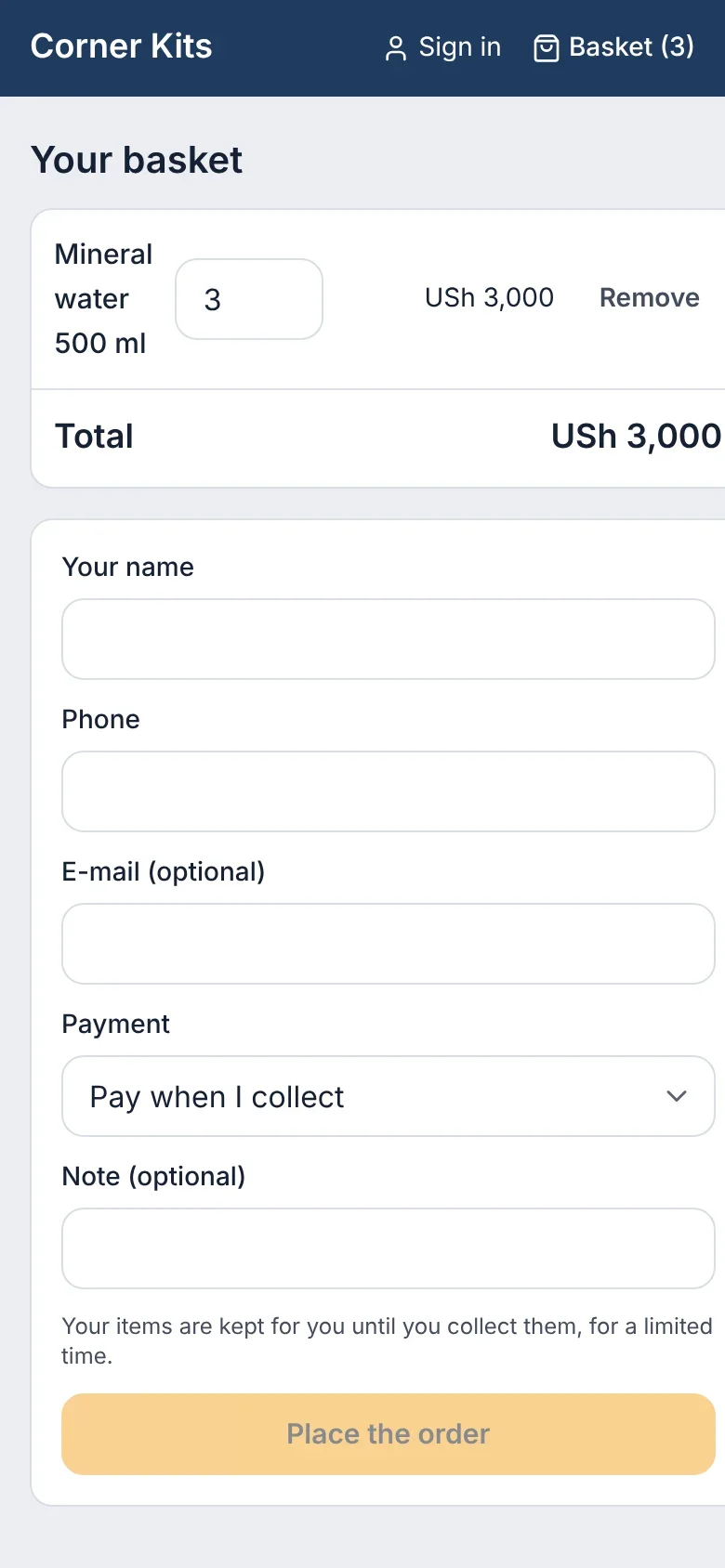
Your products online with the shop’s own prices; orders for pickup or delivery hold the stock they need.
-
Selling through an outage
A registered till sells offline and sends every sale, in order, when the connection returns.
Catalogue
The shelf, as you sell it
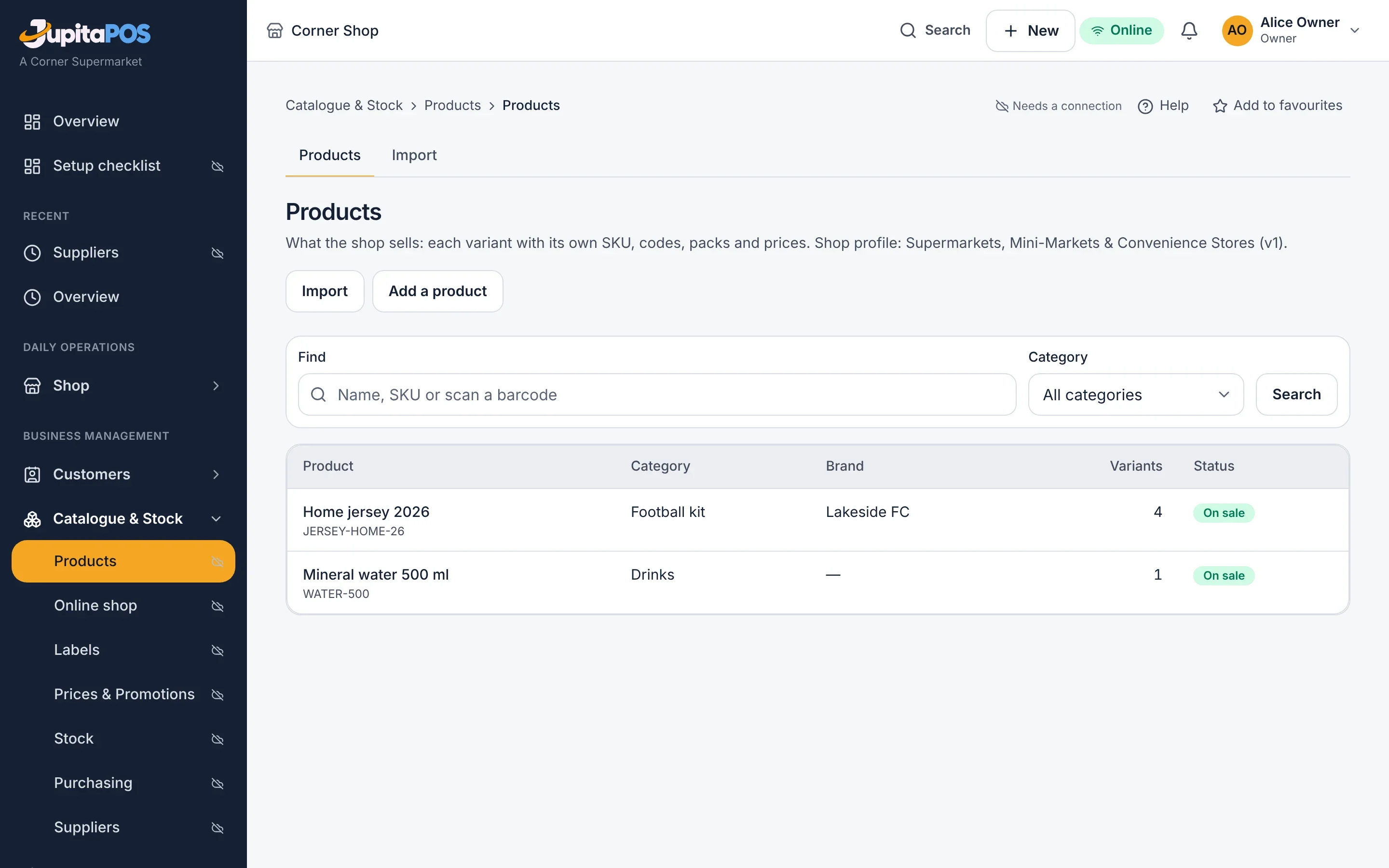
Brands, categories, variants such as size and colour, packs with their factor, price lists and dated promotions — imported from a spreadsheet or entered by hand.
- Barcodes per pack; labels with price and barcode to print
- Price lists by customer group; promotions with start and end
- Serial numbers and batches with expiry where the goods need them
Stock
Received, moved and counted
Stock comes in against a purchase order, moves between stores with what was lost on the way, and is counted with a cut-off so sales during the count are not lost.
- Weighted-average cost from what you paid
- Transfers between stores and branches
- Counts approved by someone other than the counter
After the sale
Returns, accounts and margins
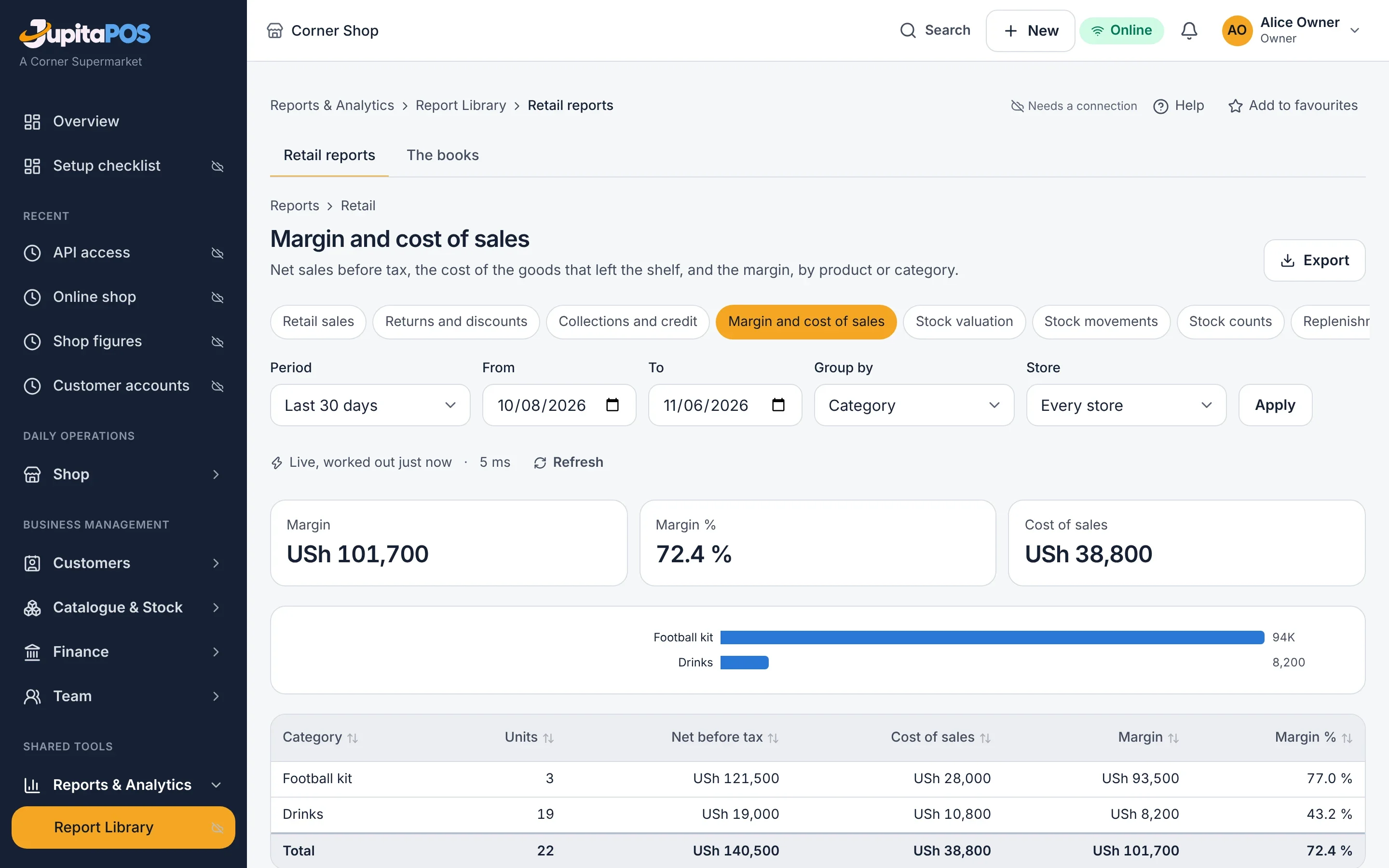
Returns and exchanges against the receipt, customer accounts with statements, and reports from sales by hour to margin by product.
Questions, answered
Can I sell a single item and the whole carton?
Yes. A product has a base unit and packs, each with its own barcode and price; selling either takes the right quantity from stock.
Does it work without internet?
A till registered for offline use keeps selling and sends its sales when the connection is back. Stock and reports update then.
I also run a restaurant. Is it the same system?
Yes, one account: your shop gets its own RetailPOS workspace and database next to your Hospitality Suite, and each keeps its own records.
Works together with
- PharmacyPOS Community pharmacies: stock by batch and expiry, recalls, prescriptions, the controlled-drugs register and counter sales.
- Route SalesPOS Distributors: agents who find their own customers, vehicle stock approved and loaded, sales and collections on the road.
- Offline Support Keep selling through an outage for up to 72 hours; everything syncs in order.
- Multi-Branch Several branches in one business, roles per branch, reports side by side.
Your venue, running calmly.
Tell us about your business. We set JupitaPos up on your own domain, load your menu, train your team and stay with you through the first services.