

Kitchen Display System
The kitchen, in order.
Each item goes to the station that makes it — grill, hot kitchen, pastry — timed against that station’s target, with modifiers, notes and allergies nobody has to read off a paper chit.
- kinds of production station, from grill to pastry
- 24
- lanes: active, ready, done
- 3
- of the target turns a ticket amber
- 70 %

What it does
Everything it does, in plain words.
-
Routing by station
Items route by product or category to the right station; one ticket per order and station.
-
Timed to your targets
Green, amber at 70 % of the station target, red and flashing when late; delays flagged automatically.
-
Allergies never truncated
Allergy warnings from the order and from each line, always shown in full.
-
Courses held and fired
Later courses arrive held and cannot be started until the waiter or the pass fires them.
-
Re-fire with a reason
Re-makes, recalls, rush and VIP — each counted and kept in the ticket’s history.
-
The pass sees it all
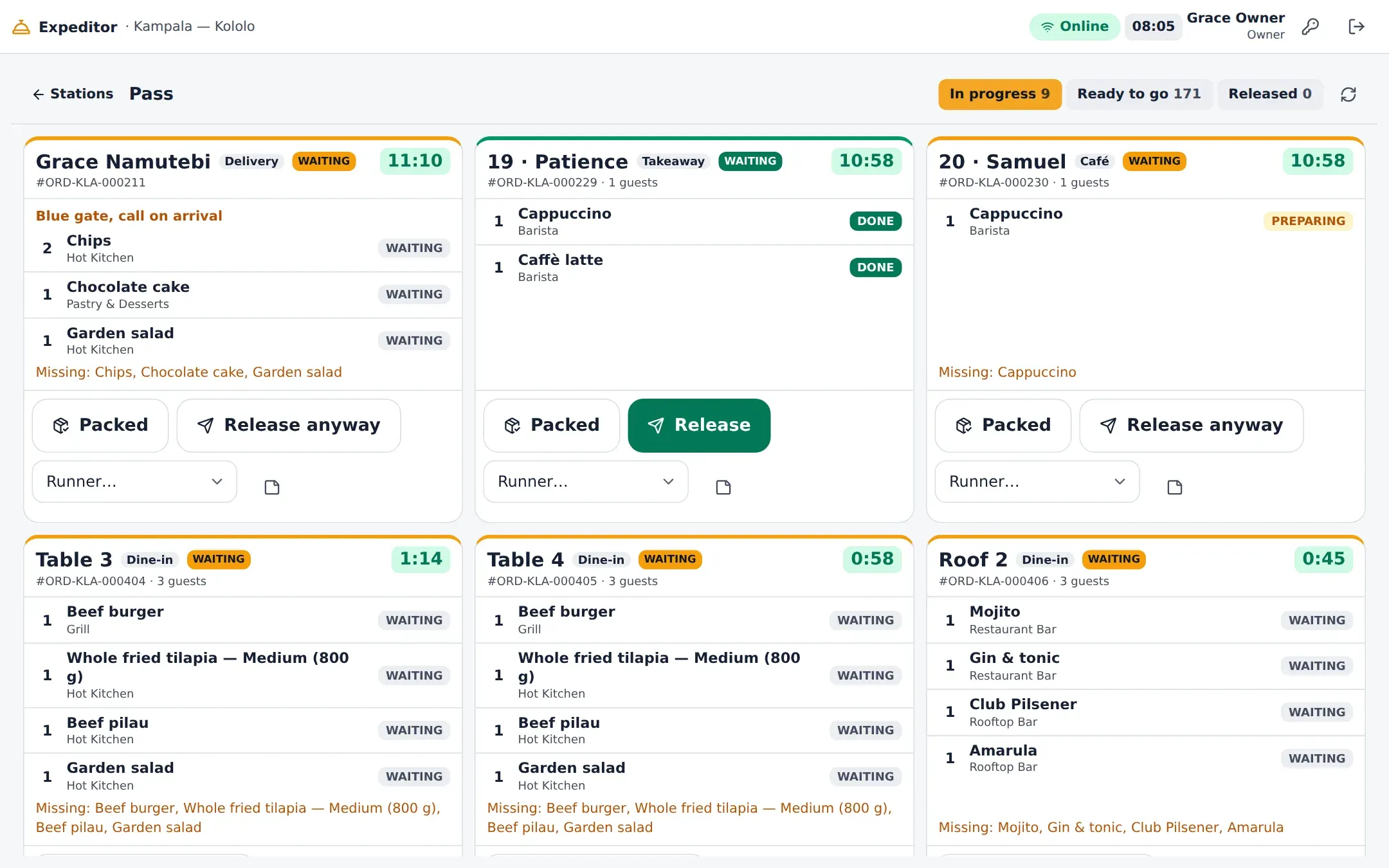
The expeditor view shows every station’s progress on each order and releases it when complete.
The line
Tickets that read like the plate
Table, order type, guests and timer at the top; each item with its modifiers as text, the seat and course, and notes in amber. Tap an item when it is ready; when the last is ready, so is the ticket.
- Accept, start, ready, bump, recall
- Mark delayed with a reason
- Sound on a new ticket, switchable per screen

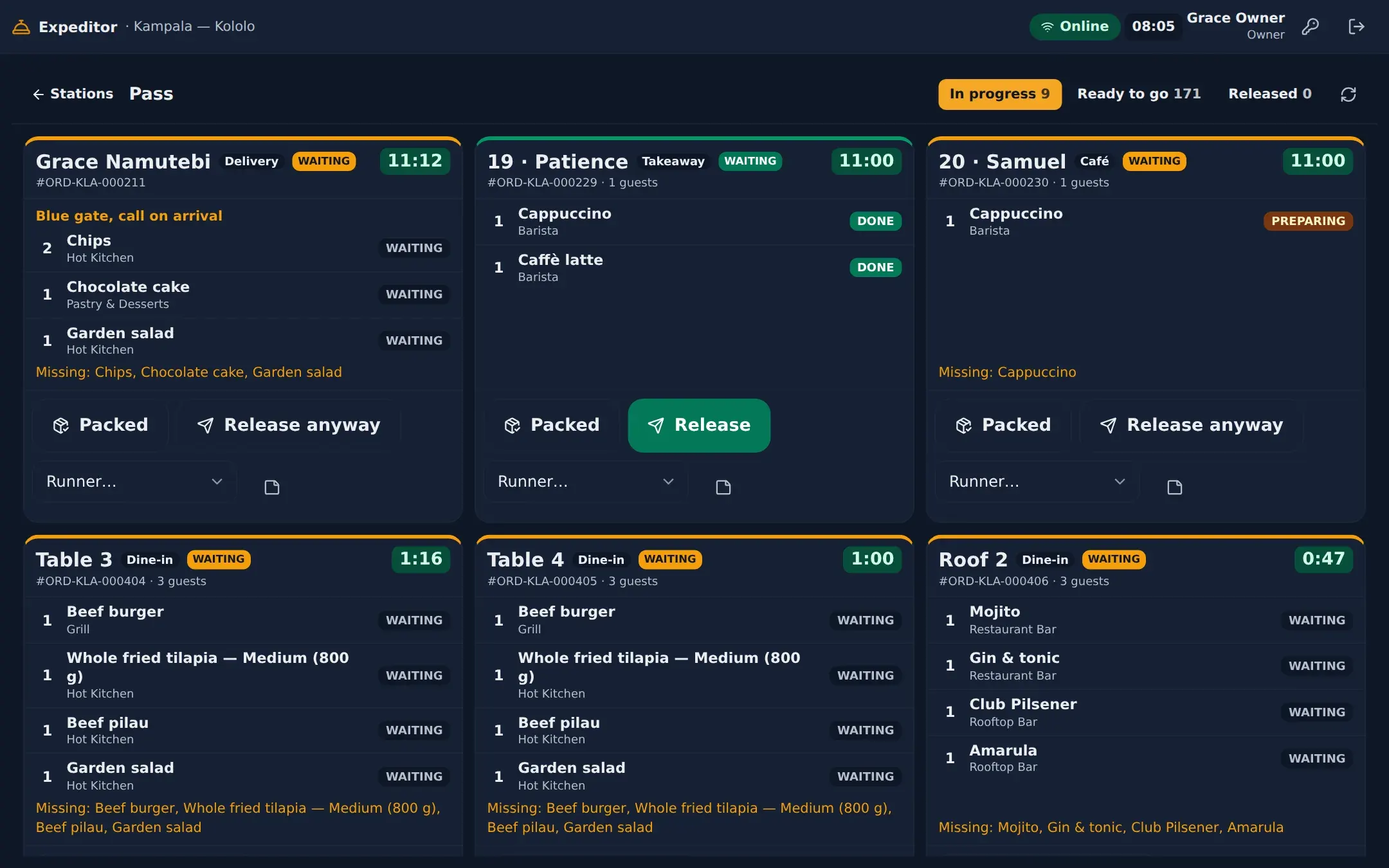
The pass
Release the whole table at once
The expeditor sees each order across every station — what is still preparing, what is ready — and releases it for the runner when it is complete, or anyway with a reason.
Set-up
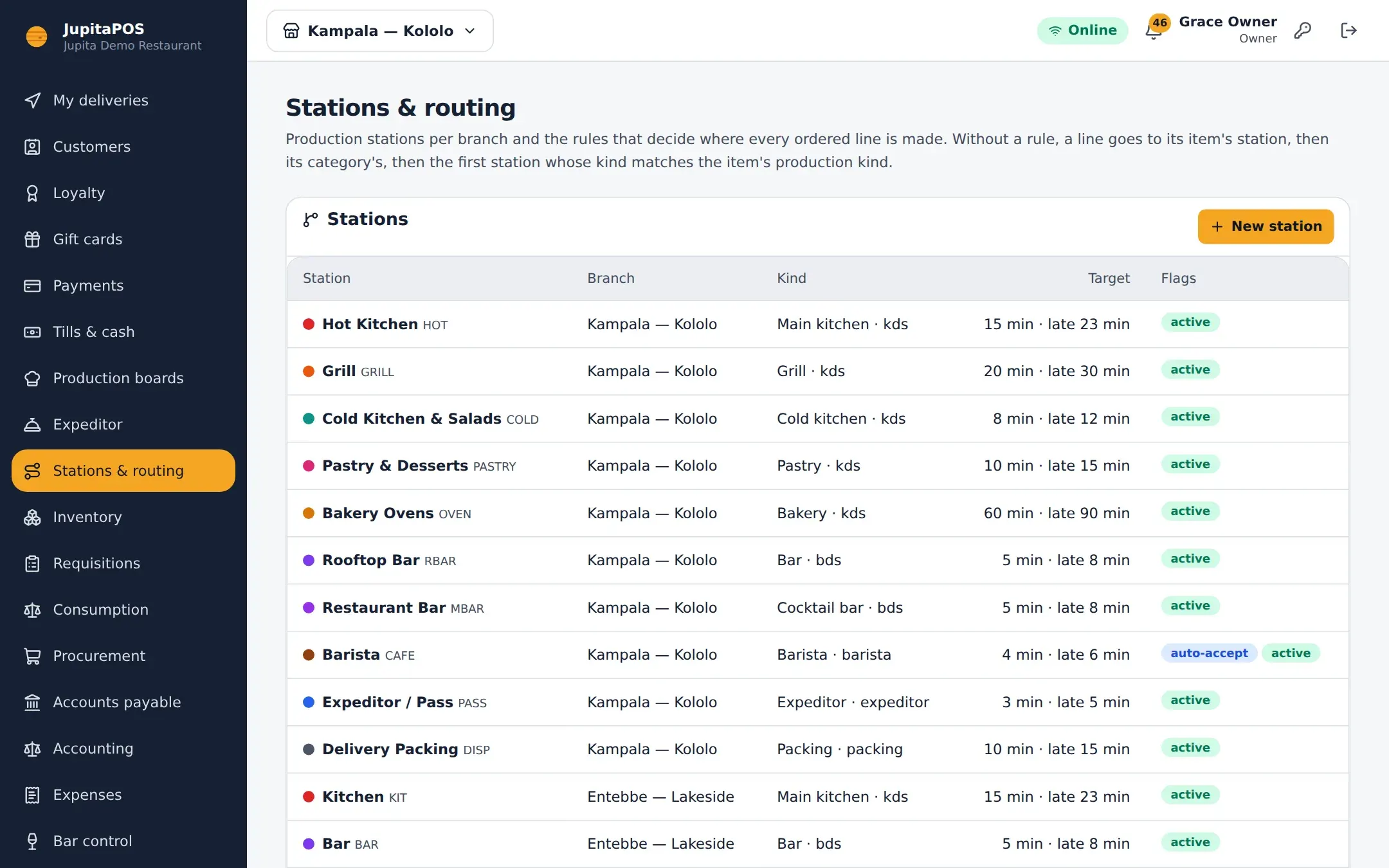
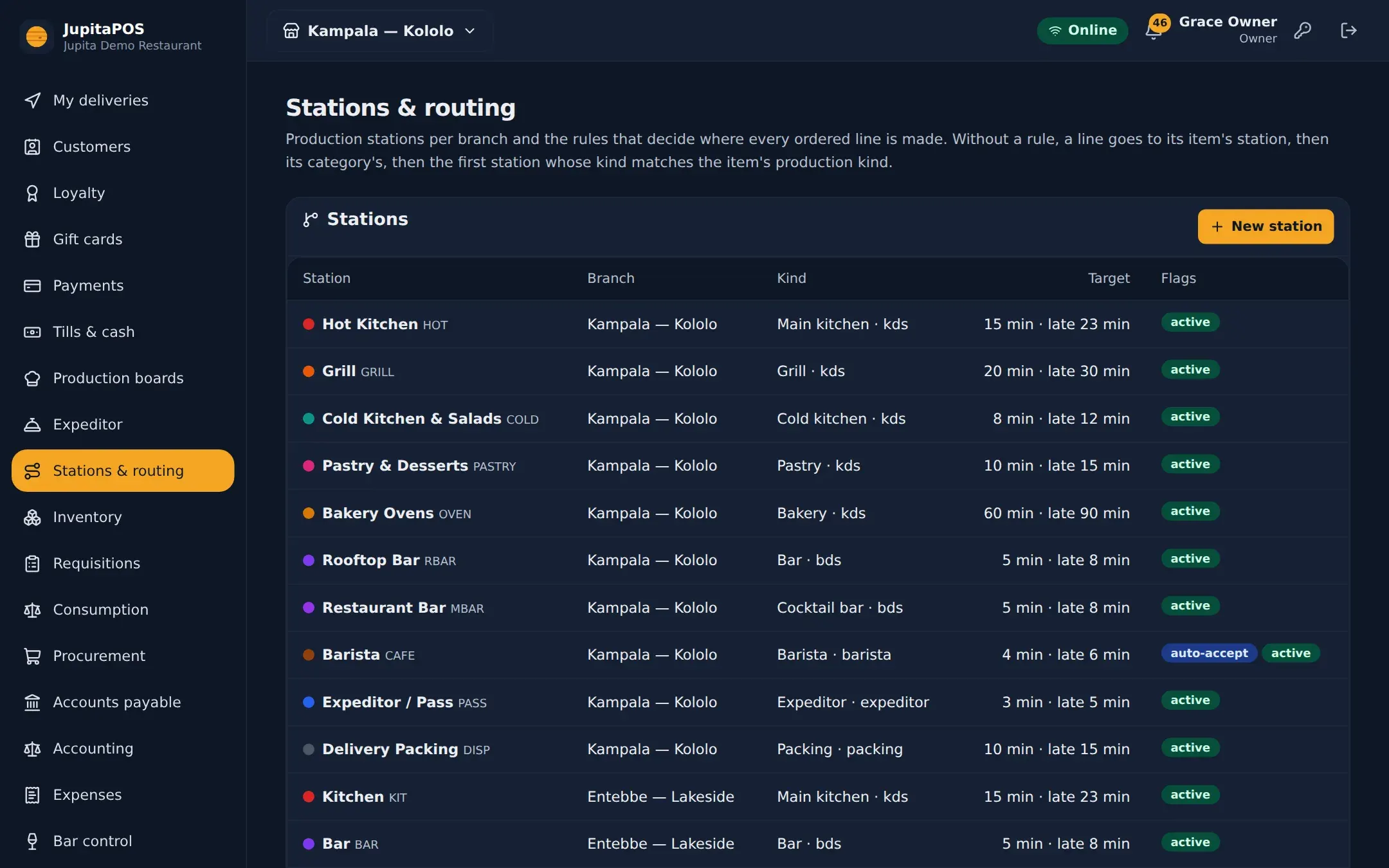
Stations and routing, your way
Create the stations your kitchen really has, set each one’s target and late time, and decide which items go where — by product or by category.
Questions, answered
What hardware do I need?
Any screen with a modern browser: a wall-mounted monitor with a small PC, an Android tablet or a touch all-in-one. The board is a web page, so there is nothing to install on it.
Can one screen show two stations?
Each screen opens the board of one station; small kitchens often route everything to a single main-kitchen station.
Works together with
- Bar Display Drinks with their measure, ice, garnish and recipe on the bar screen.
- Barista Display Size, milk, shots and syrups as chips — made, called and collected.
- Restaurant POS Tables, courses, seats, splits and a floor plan that stays live.
- Reporting 57 reports in nine sections, sales checked against the ledger, in PDF, Excel and CSV.
Your venue, running calmly.
Tell us about your business. We set JupitaPOS up on your own domain, load your menu, train your team and stay with you through the first services.