

Every table, till and kitchen, in one calm system.
JupitaPOS runs the point of sale, kitchen and bar screens, stock, purchasing, accounts and reports of restaurants, cafés, bars and event venues — on your own domain, and it keeps selling when the internet drops.
Already a client? Log in at your own address

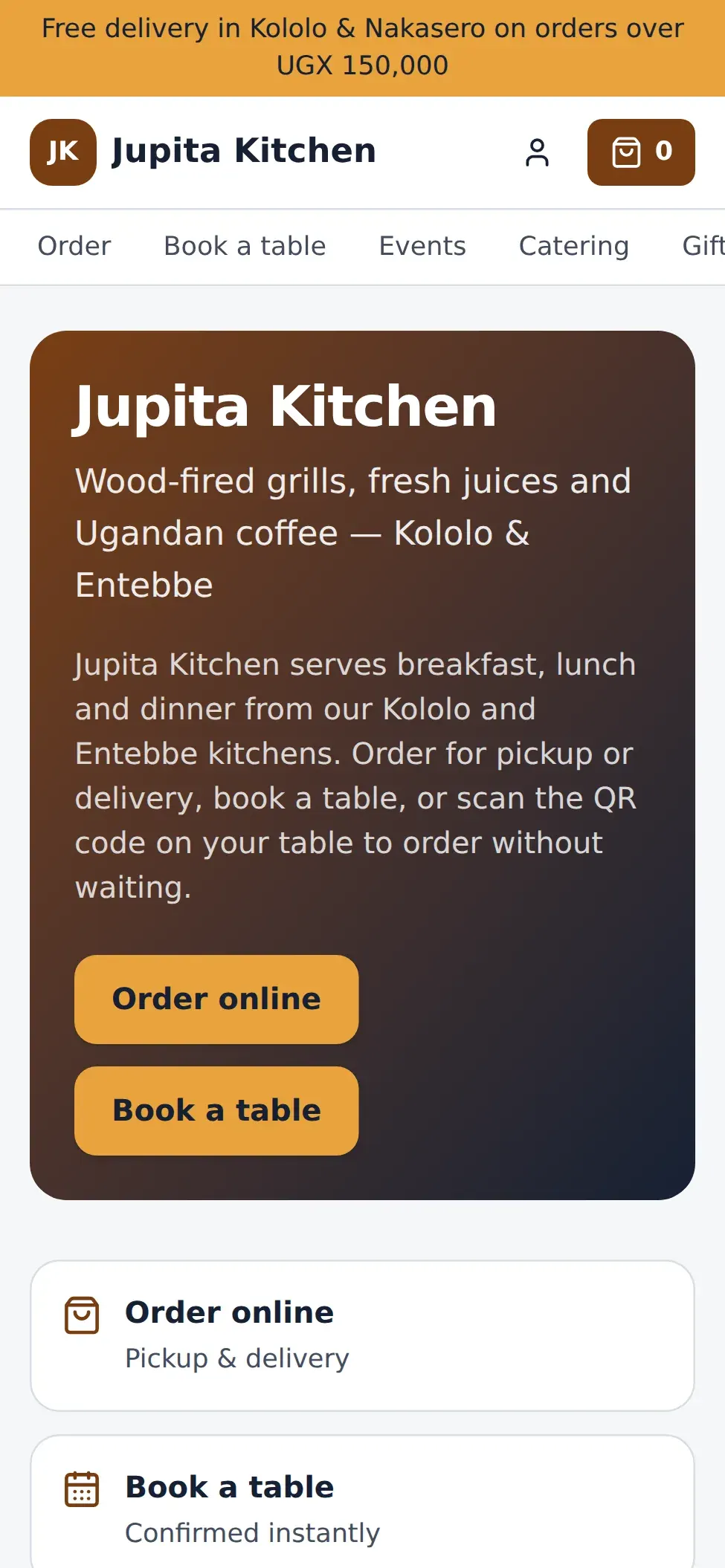
Built in, not bolted on
- reports in nine sections
- 57
- order types on one till
- 13
- kinds of production station
- 24
- of selling without internet
- 72 h
- permissions, set branch by branch
- 168
One system, every service
However you serve, it fits.
The same menu, stock, customers and books behind every kind of service — set up for how your venue actually works.
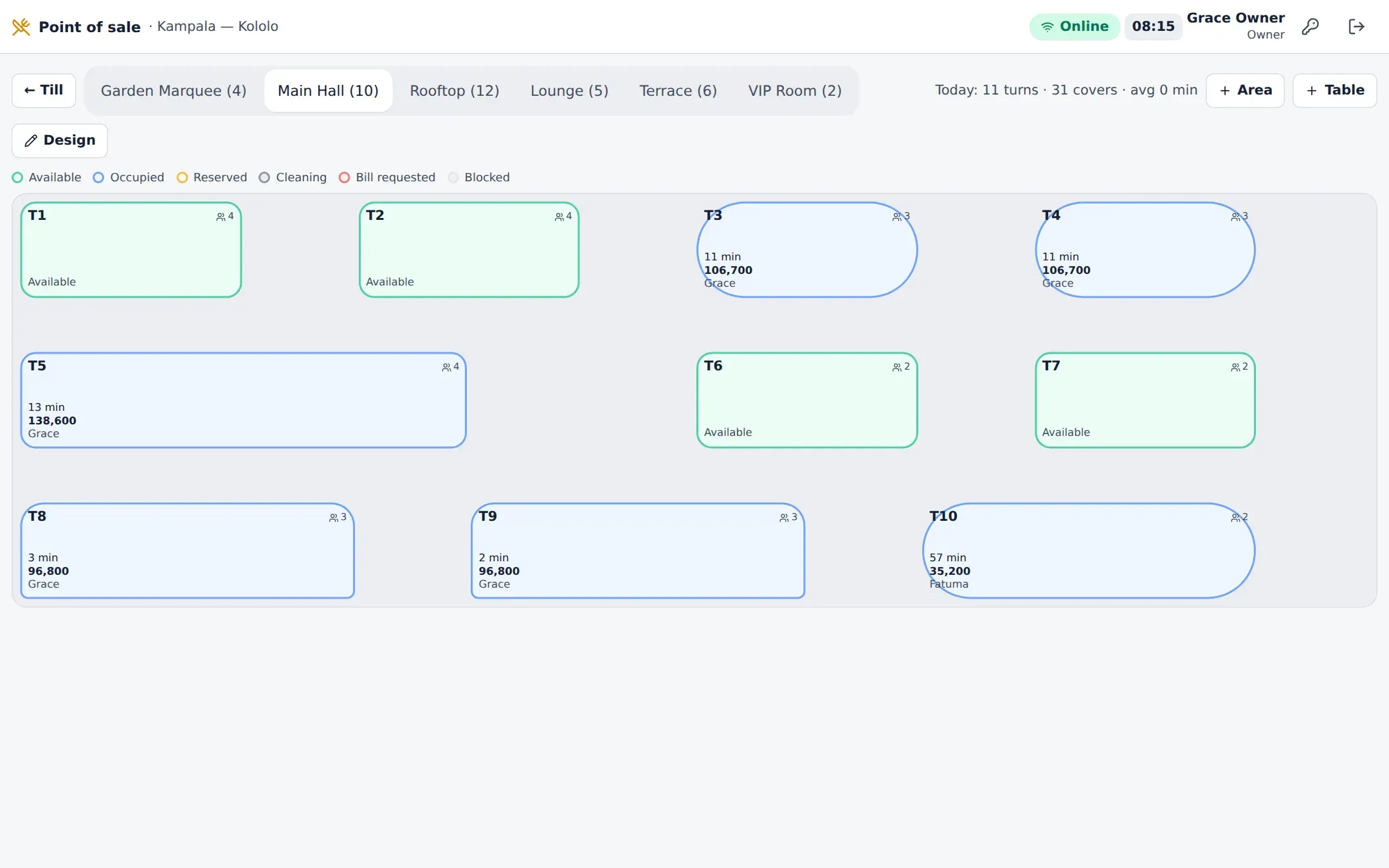
Tables, seats and courses
A live floor plan, orders by seat and course, courses fired from the pass and bills split five ways.
- Dine-in to room service: 13 order types
- Service charge by dining area, VAT per line
- Reservations seated straight onto tables

Built for the queue
Call numbers, a name on every cup, order-ahead and a collection board — with the cost of every cup.
- A counter screen made for speed
- Stamps, subscriptions and prepaid balances
- Beans, milk and yield reports


Every measure accounted for
Sell by the single, double or bottle; bottles, kegs and open volume; bar shifts that close with a variance.
- Spillage and over-pour on the record
- Variance at cost and at retail
- Tabs and table bills on one till


Beyond the dining room
Venues that cannot double-book, banquet event orders, guest lists and outside catering planned from recipes.
- Quotes, revisions and deposits
- BEOs acknowledged by every department
- Profit per function


Kitchen · Bar · Barista
Every station, on its own screen.
One routing engine sends each item to the station that makes it — grill, pastry, cocktail bar, espresso machine — timed against that station’s target, with the pass watching the whole order.


Kitchen Display
Modifiers, seats, courses and allergies on every ticket.
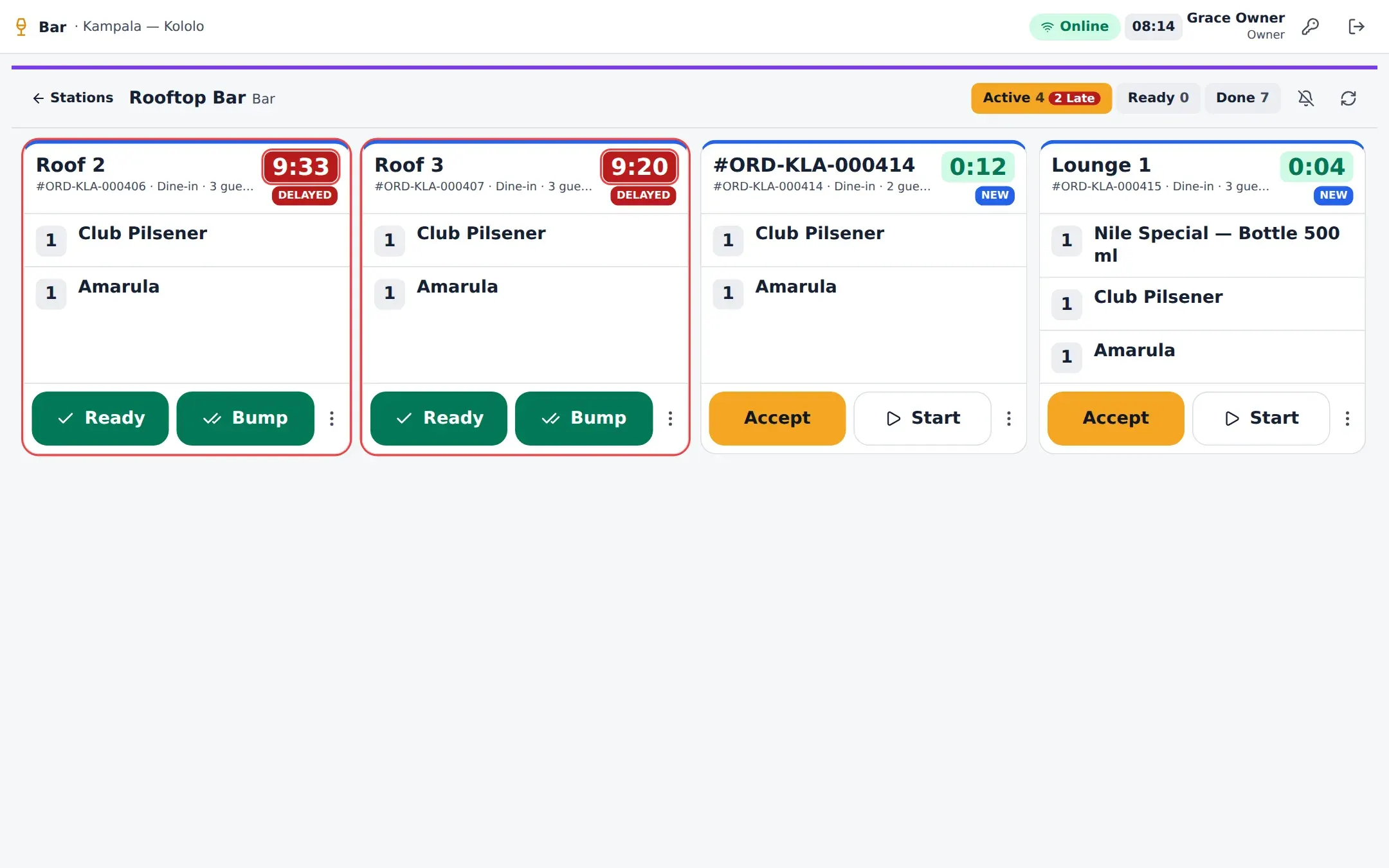

Bar Display
Measure, ice, garnish and the recipe on every drink.
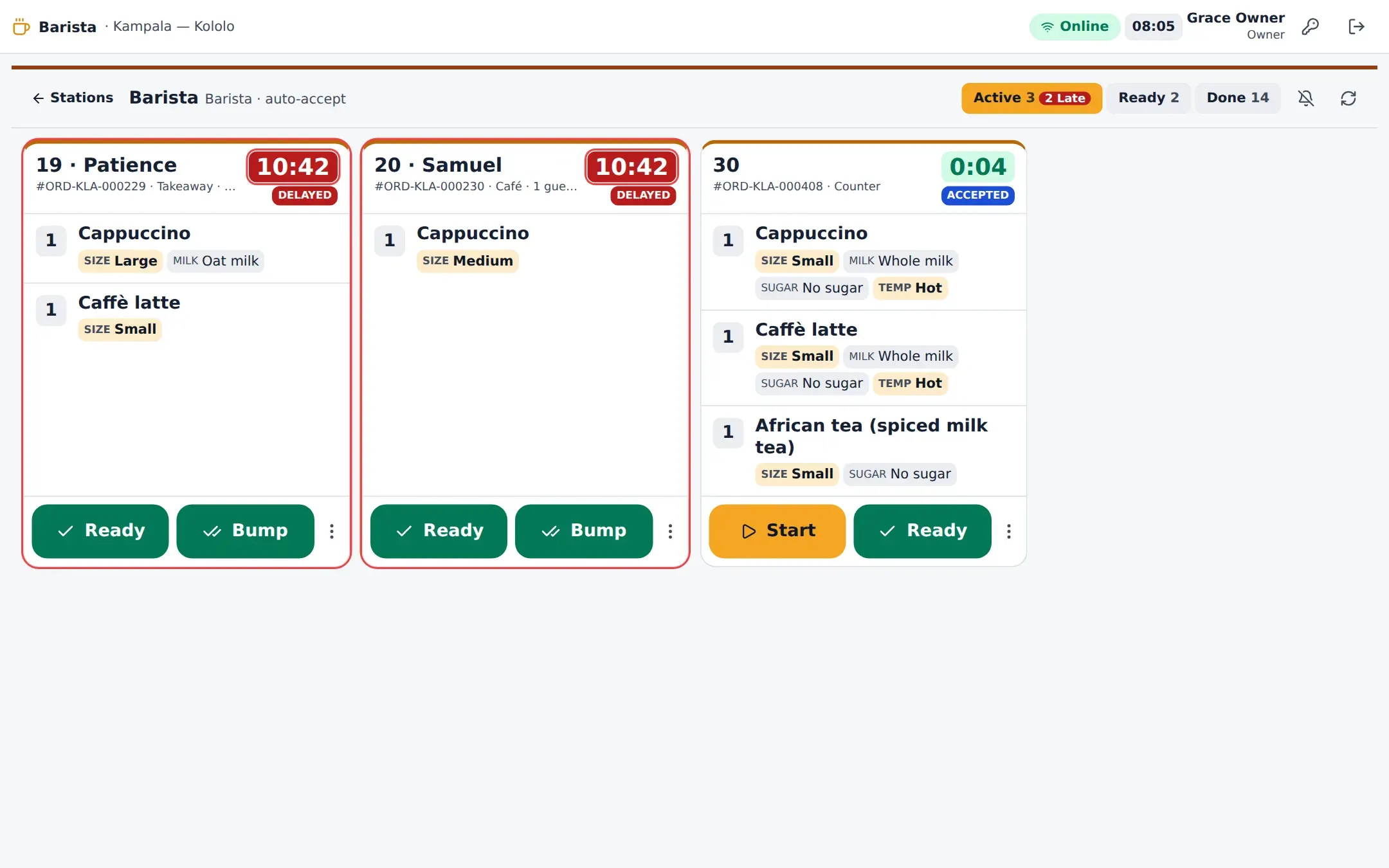

Barista Display
Size, milk, shots and syrups as chips on every cup.
Green, amber at 70 % of the target, red when late
Courses held until the pass fires them
Re-fires, spillage and recalls counted
Offline mode · Installable app
The internet drops. Service doesn’t.
A registered till keeps its menu, prices, open orders and a block of receipt numbers on the device. It keeps selling; when the line returns, every sale syncs in order and is applied once.
- 1 Keeps selling Counter, café, bar and dine-in orders at cached prices; cash and payment references.
- 2 Says so A banner, the connection pill and receipts marked “Issued offline”.
- 3 Catches up An ordered, idempotent sync; 20 kinds of conflict, each with a rule.
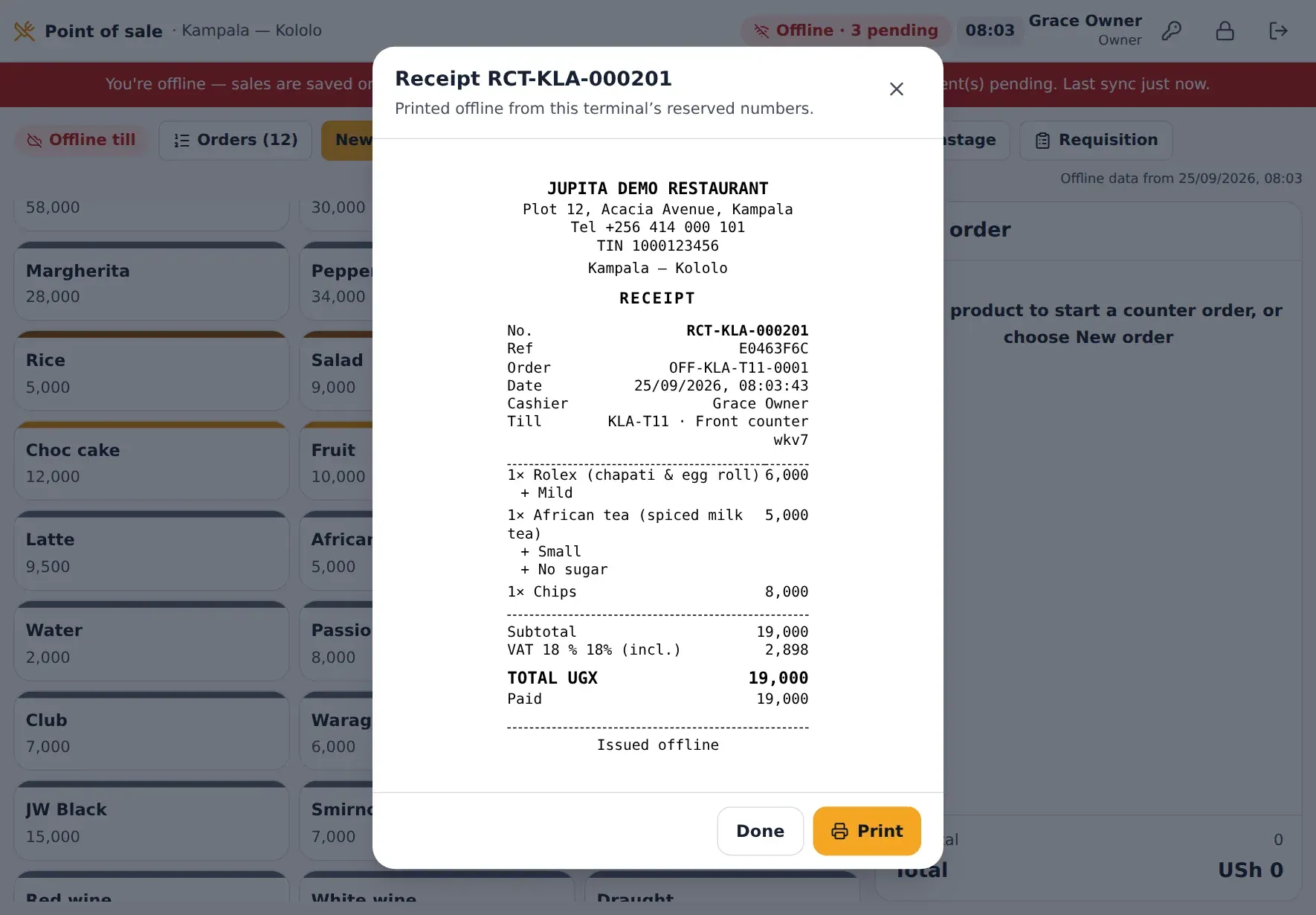

The connection status on a JupitaPOS till goes from Online to Offline while it keeps selling, counts the sales waiting, then syncs them in order and returns to Online.
Back office
The numbers behind every plate.
Stock, recipes, purchasing and the books are the same system as the till — so a sale moves stock, costs and the ledger the moment it closes.
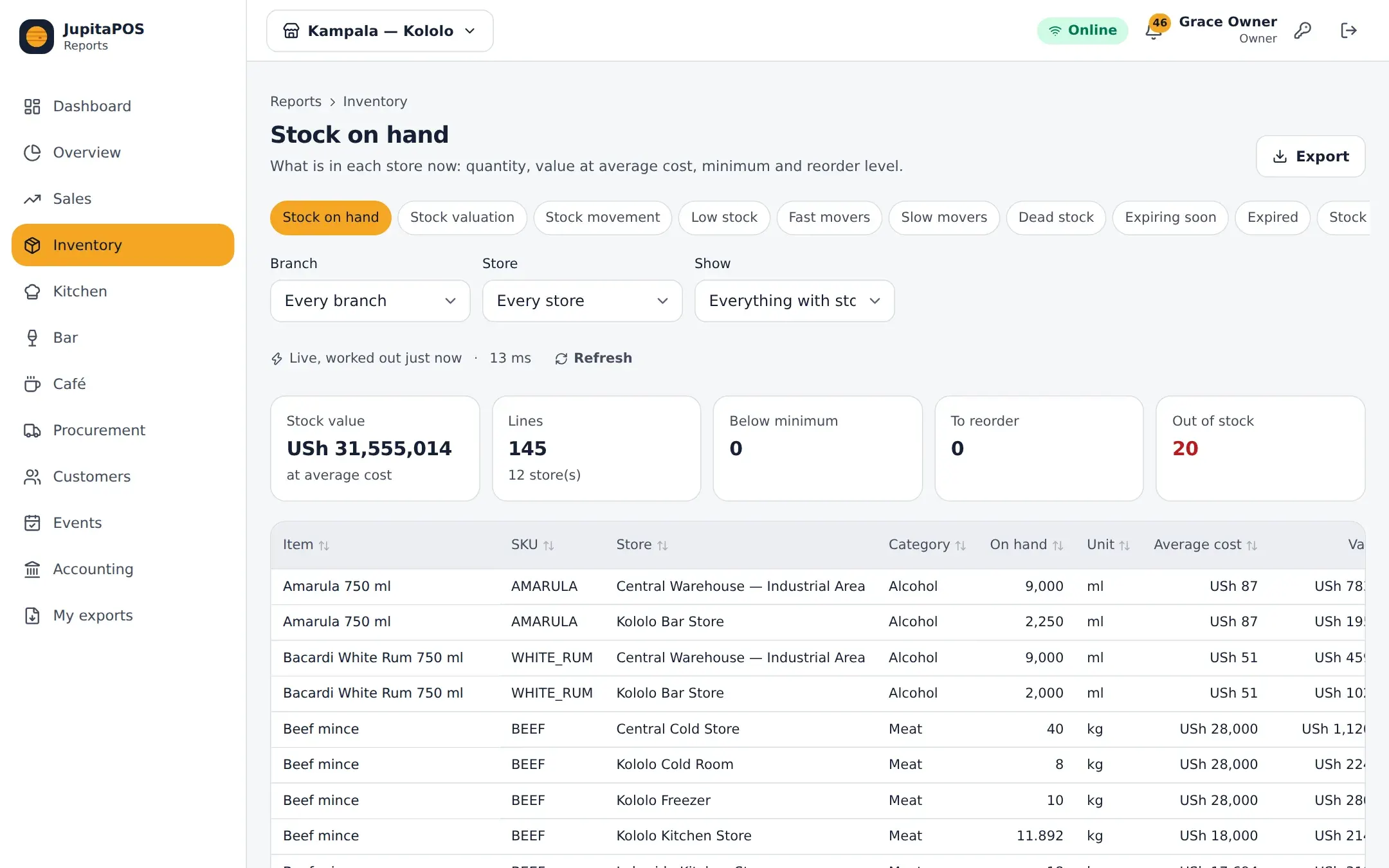
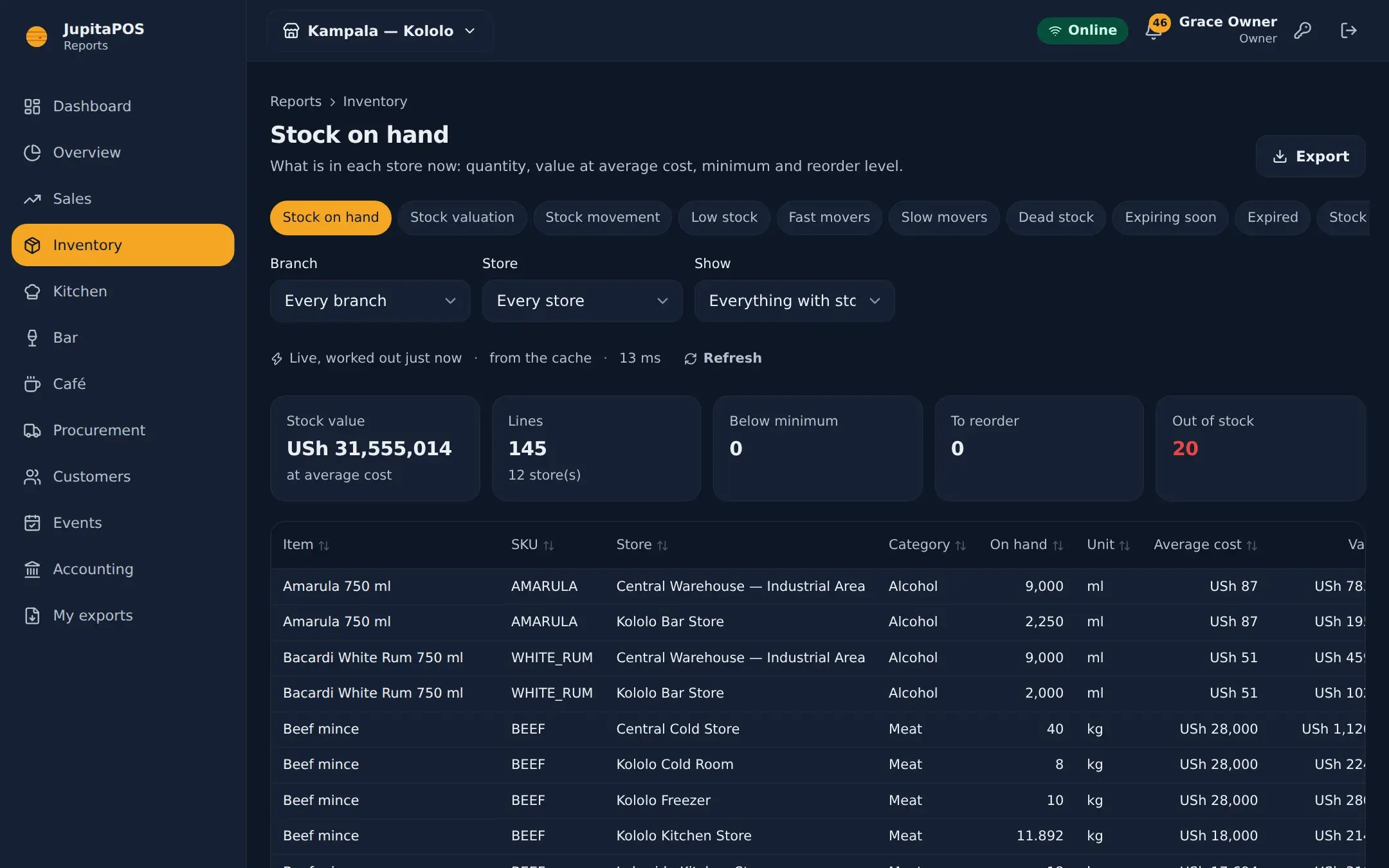
Inventory
Stock by store and batch, consumed by recipe when each sale closes.
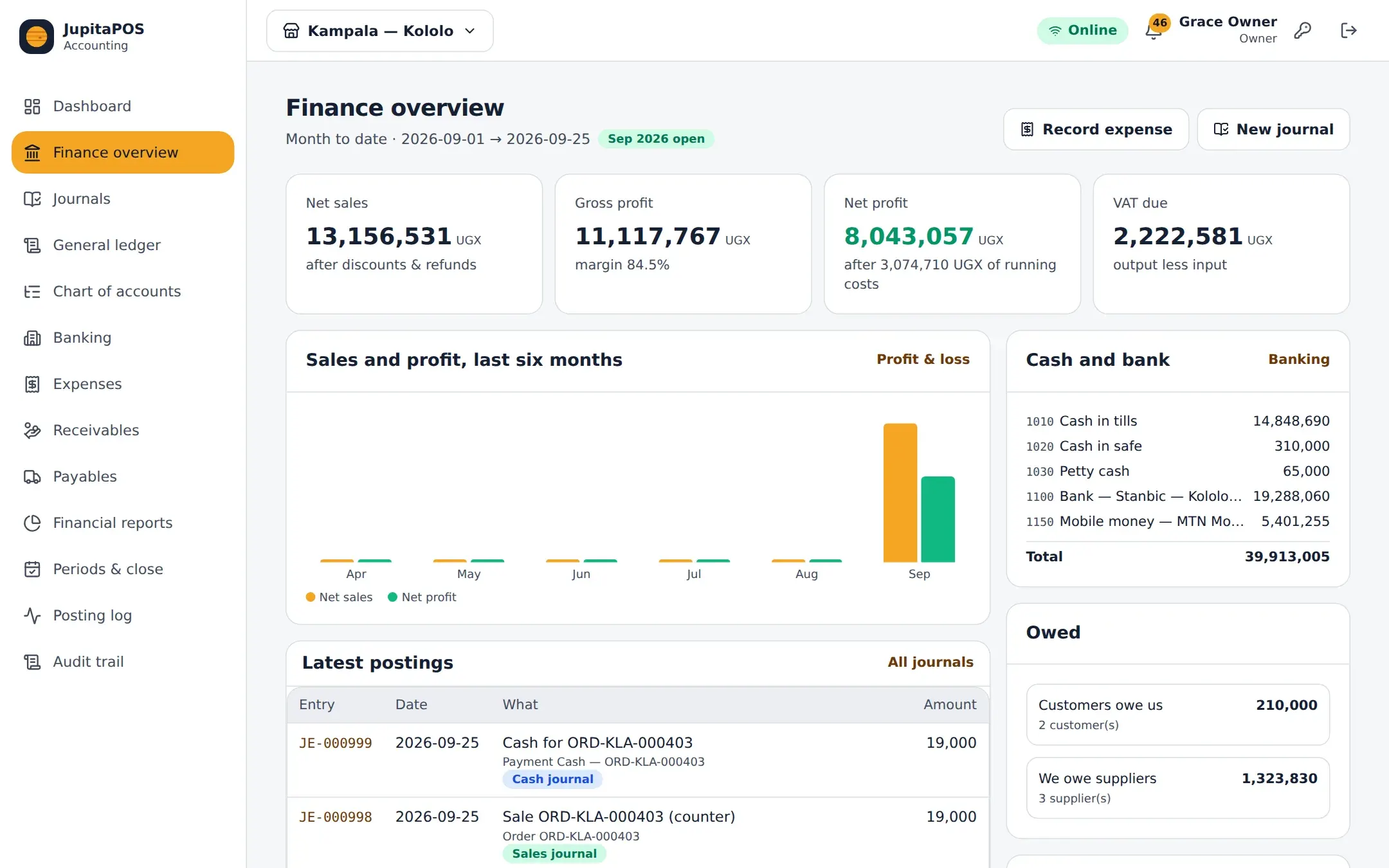
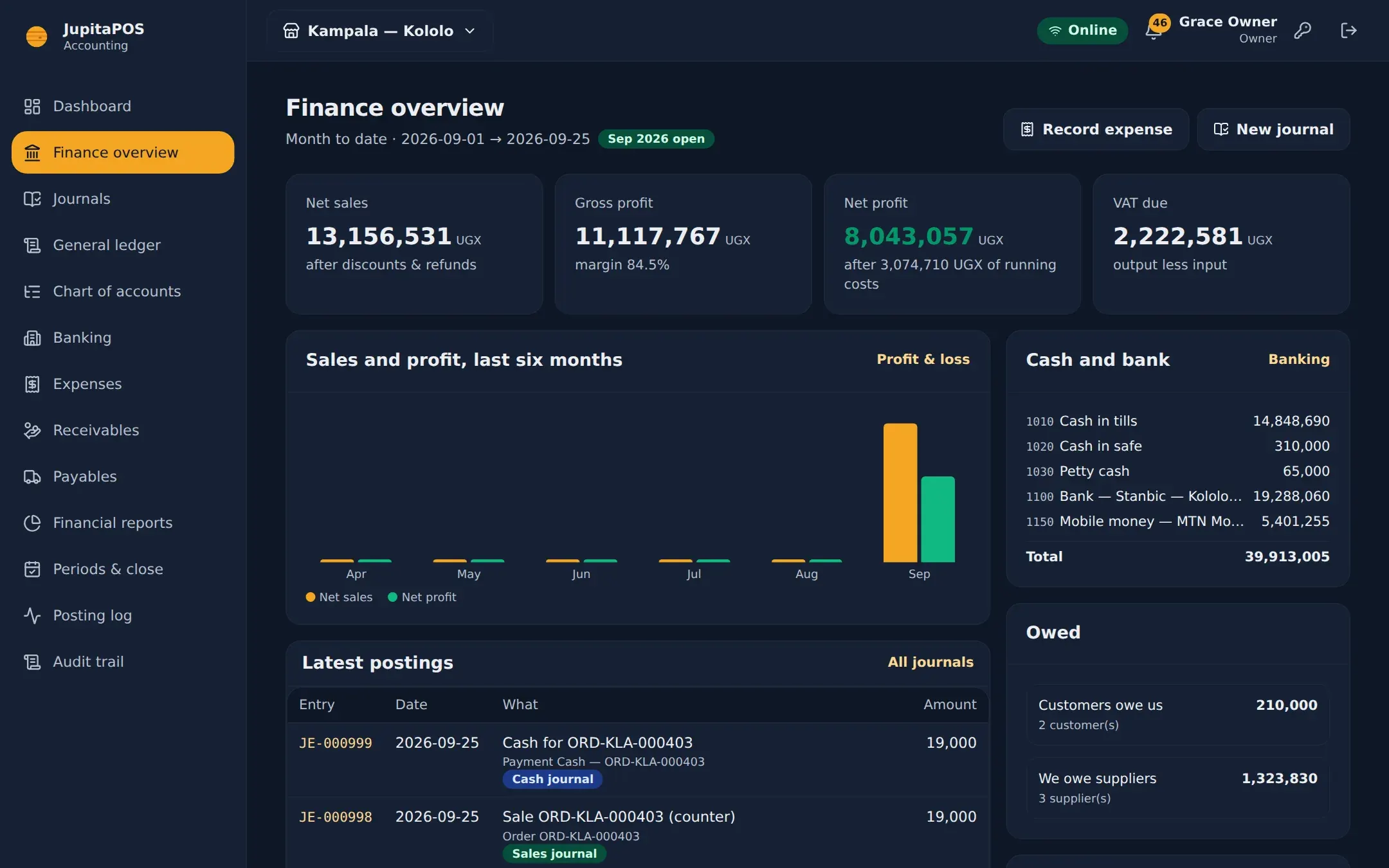
Accounting
Balanced journals from every sale, payment, delivery and refund.
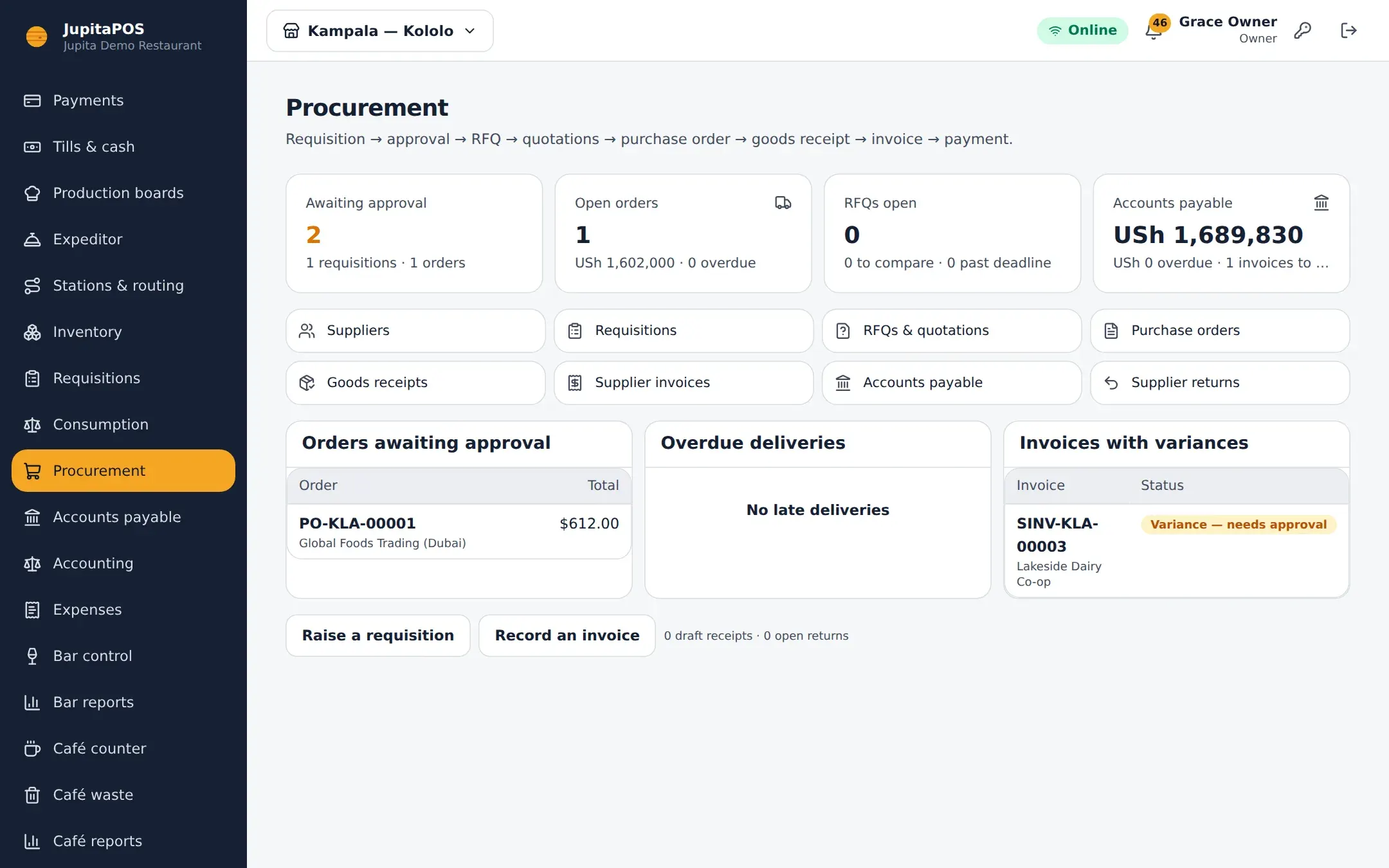
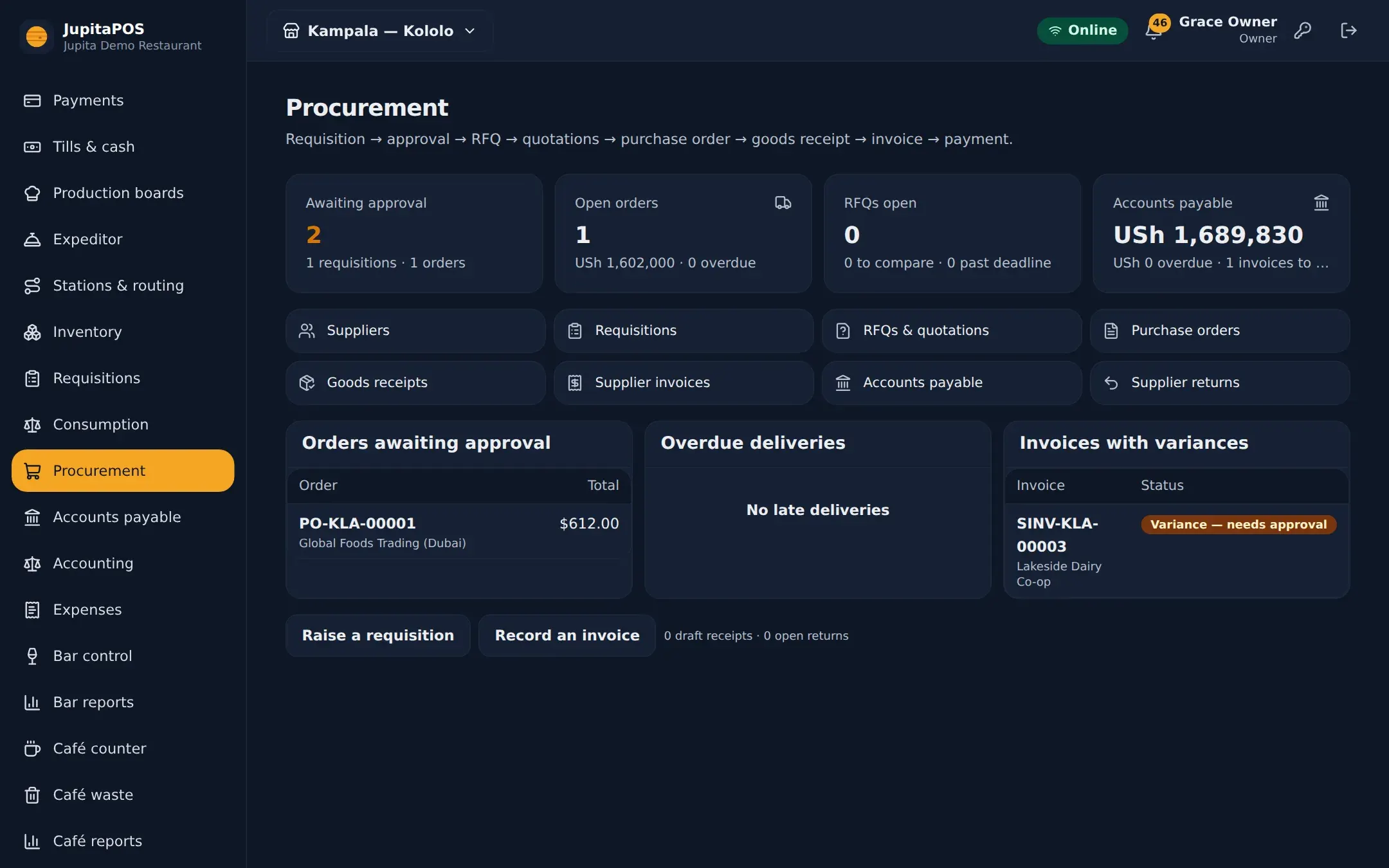
Procurement
Requisition, quote, order, receive, match the invoice, pay.
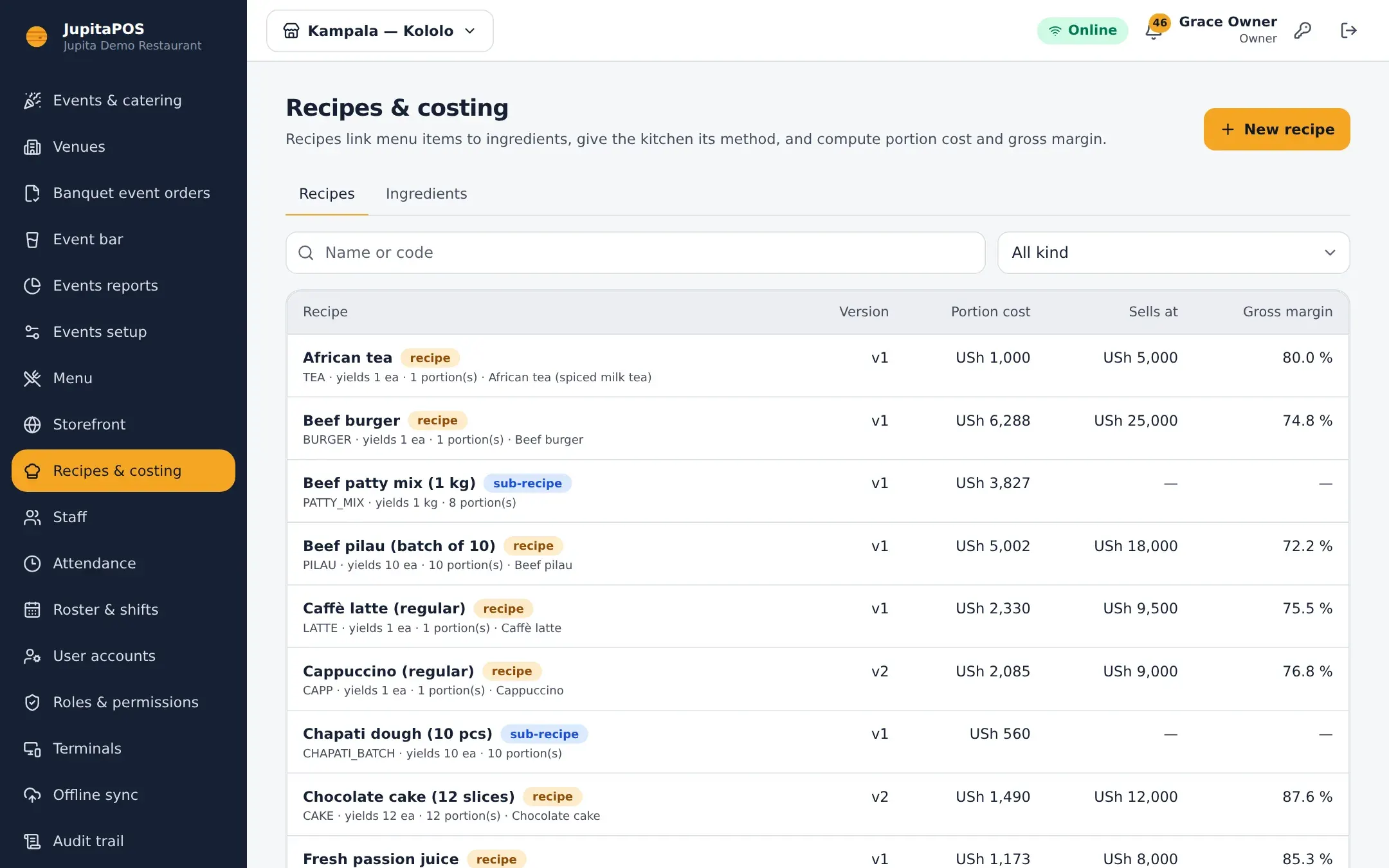
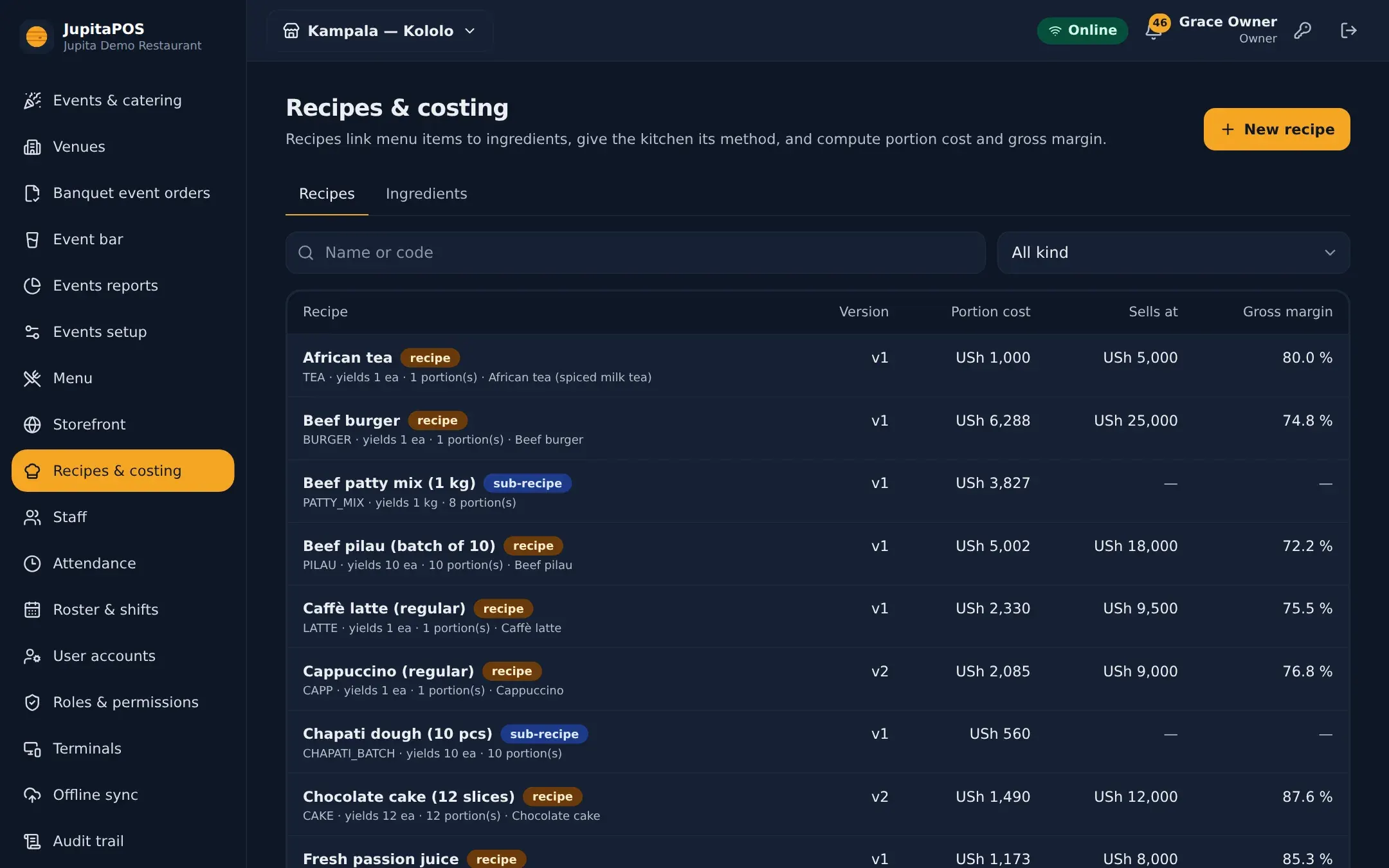
Recipes & costing
Portion cost and margin of every dish, at today’s prices.
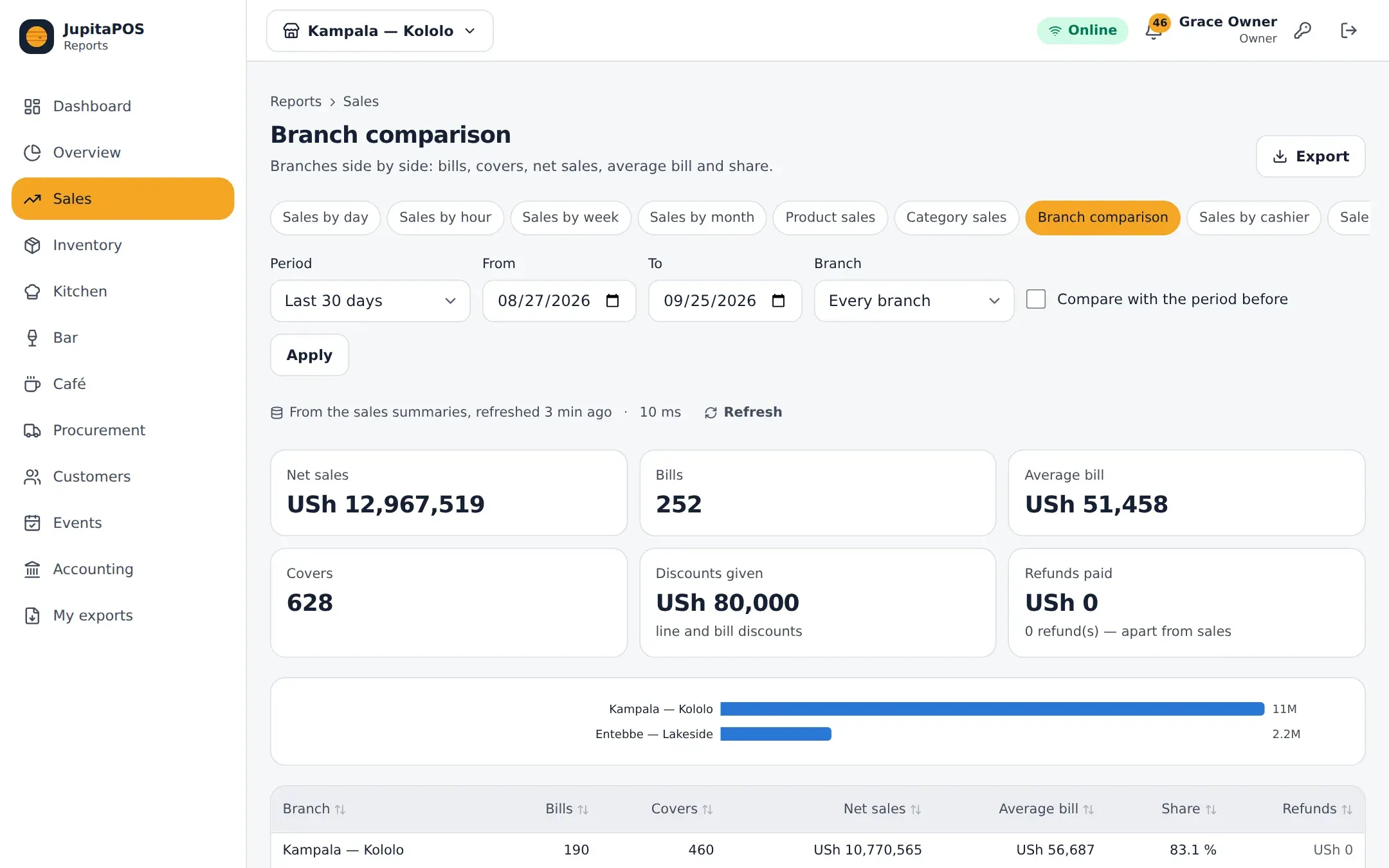
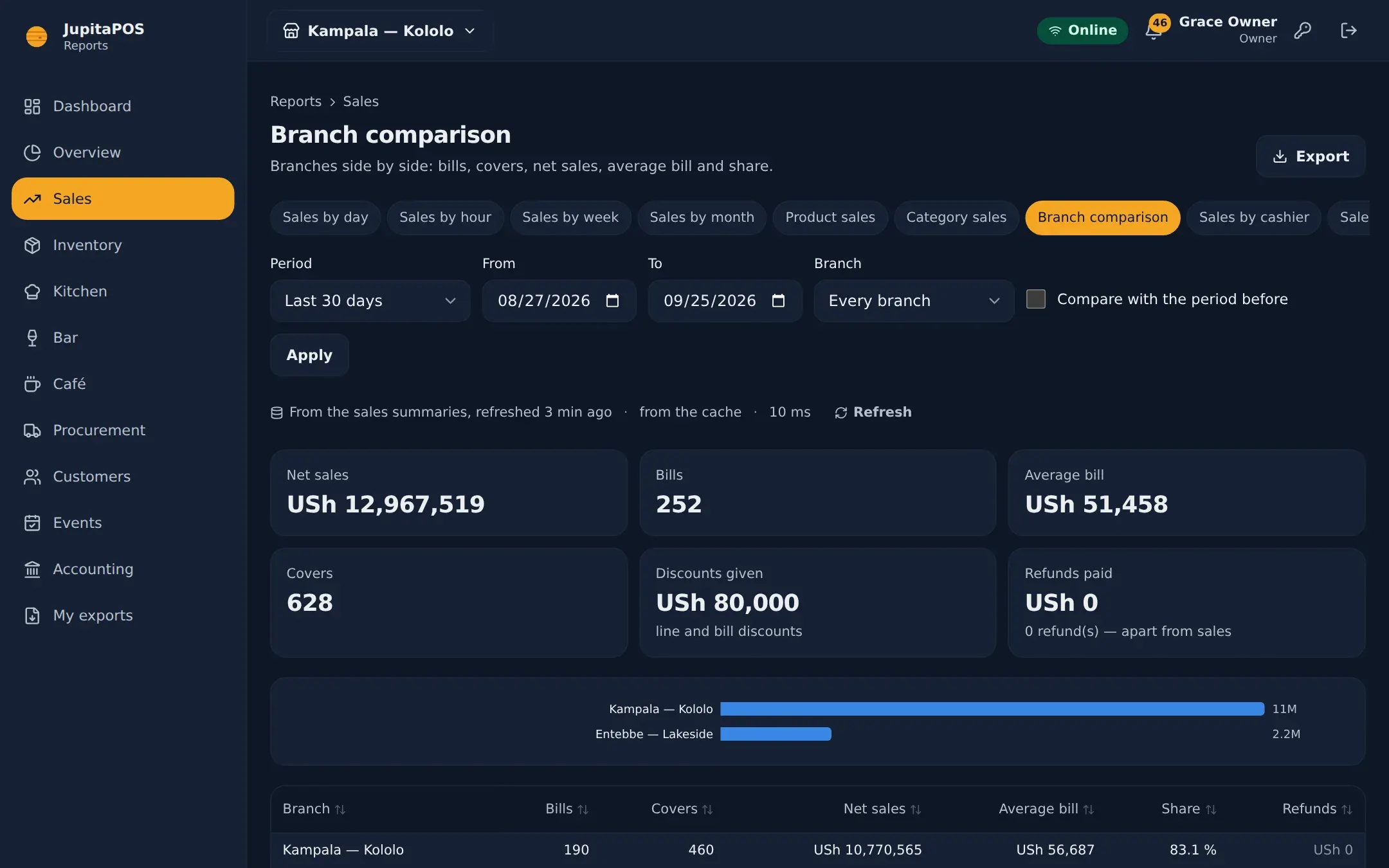
Reporting & analytics
57 reports. Checked where it counts.
Sales, stock, kitchen, bar, café, purchasing, customers, events and accounts — each with a definition, a chart and a sortable table — and sales, stock value, the balance sheet and cash flow checked against the ledger.


Online ordering · Delivery
Your menu on your own site. No commission.
An ordering site in your brand at your own address: pickup, delivery, table QR ordering and bookings — with the till’s menu and prices, on the kitchen screens with everything else.
Your brand, your address
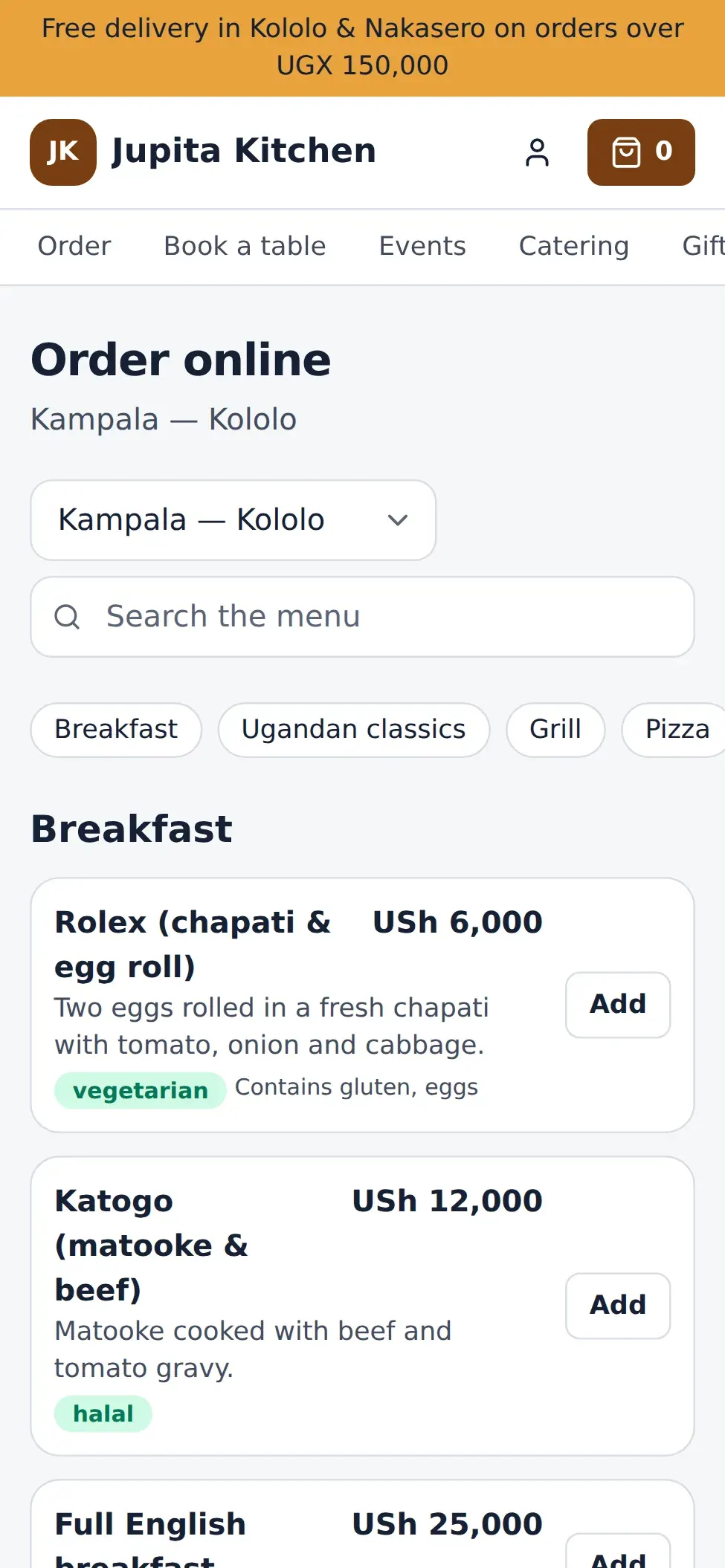
The till’s menu and prices


Couriers with proof of delivery
Catering · Events · Private hire
Beyond the dining room, the same care.
The work that usually lives in spreadsheets and binders: quotes and deposits, banquet event orders, guest lists, event bars, rooms that cannot double-book — and the profit of each function.


Multi-branch · People
One business, every branch.
Shared menus, customers and books; stock, tills and teams per branch. A manager at one branch can wait tables at another — permissions are checked branch by branch.
- Roles per branch
- Two-factor sign-in
- Time clock & rosters
- ZKTeco clock-ins
- Tips owed to staff
- Signed audit trail
Your domain, your data
Your JupitaPOS lives at your own address.
Each business gets its own installation on its own domain. That is where your team signs in every day — this website is only the front door.
www.jupitapos.net
This website
Learn about the product, read the manuals, ask for a demo. It holds none of your business’s data.
“Log in” here only sends you to your own address.
pos.yourbusiness.com
Your JupitaPOS
Your tills, kitchen screens, stock, books and reports — installed for your business alone, at an address on your own domain (pos. or app. are the usual choices).
- Its own database — your data is never shared with another business
- A hosting account of its own, always over HTTPS
- Nightly database backups, kept for 14 days
- Staff sign in there — with two-factor authentication if you want it
order.yourbusiness.com
Your ordering site
Optional. Guests order, book tables and join your loyalty programme in your brand — served by your own JupitaPOS, with the same menu and prices.
Verified with a DNS record on your domain.
Getting started
From first call to first service.
-
Tell us about your venue
Branches, outlets, how you serve — and the domain you want JupitaPOS on.
-
Your own JupitaPOS
We install it for your business alone at pos.yourbusiness.com (or app.), with HTTPS and backups.
-
Menu, stock and people
Your menu, recipes, stores, tills, stations and staff roles loaded with you.
-
Go live, together
We train each team on its own screens and stay close through the first services.
Where does my JupitaPOS run?
On an address of your own domain — pos.yourbusiness.com or app.yourbusiness.com, say — installed for your business alone with its own database. This website is separate and holds none of your data.
Does it really work without internet?
Yes. A till that is registered and approved for offline use keeps its menu, prices, open orders and a block of receipt numbers. It sells for up to 72 hours offline and syncs every sale, in order and only once, when the connection returns.
What devices do I need?
Any modern browser on Windows, macOS, Android, iPadOS or ChromeOS: PCs, Macs, tablets, iPads, Chromebooks and touch all-in-ones. It installs like an app. Kitchen and bar screens are simply a screen with a browser.
Which payments can I take?
Cash, card on your standalone terminal and mobile money with their references, gift cards, vouchers, customer credit and house accounts — with split payments and tips. Live integrated card and mobile-money providers are on our roadmap.
Is it made for Uganda?
It is made for East Africa: Uganda shillings by default, VAT-inclusive pricing with tax invoices carrying your TIN (EFRIS e-receipts are on our roadmap), mobile-money references reconciled against statements, and leave defaults that follow Uganda’s Employment Act. Other currencies are supported for purchasing.
Can I see it before I decide?
Take the product tour on this site — every picture is a real screen — then book a guided demo and we will walk your team through it on a demo business.
Your venue, running calmly.
Tell us about your business. We set JupitaPOS up on your own domain, load your menu, train your team and stay with you through the first services.