

Client log in
Your JupitaPOS is at your own address.
Every business has its own JupitaPOS on its own domain — like pos.yourbusiness.com or app.yourbusiness.com. Enter yours and we will take you to its sign-in page.
Your password is only ever typed on your own JupitaPOS address, never on this website.
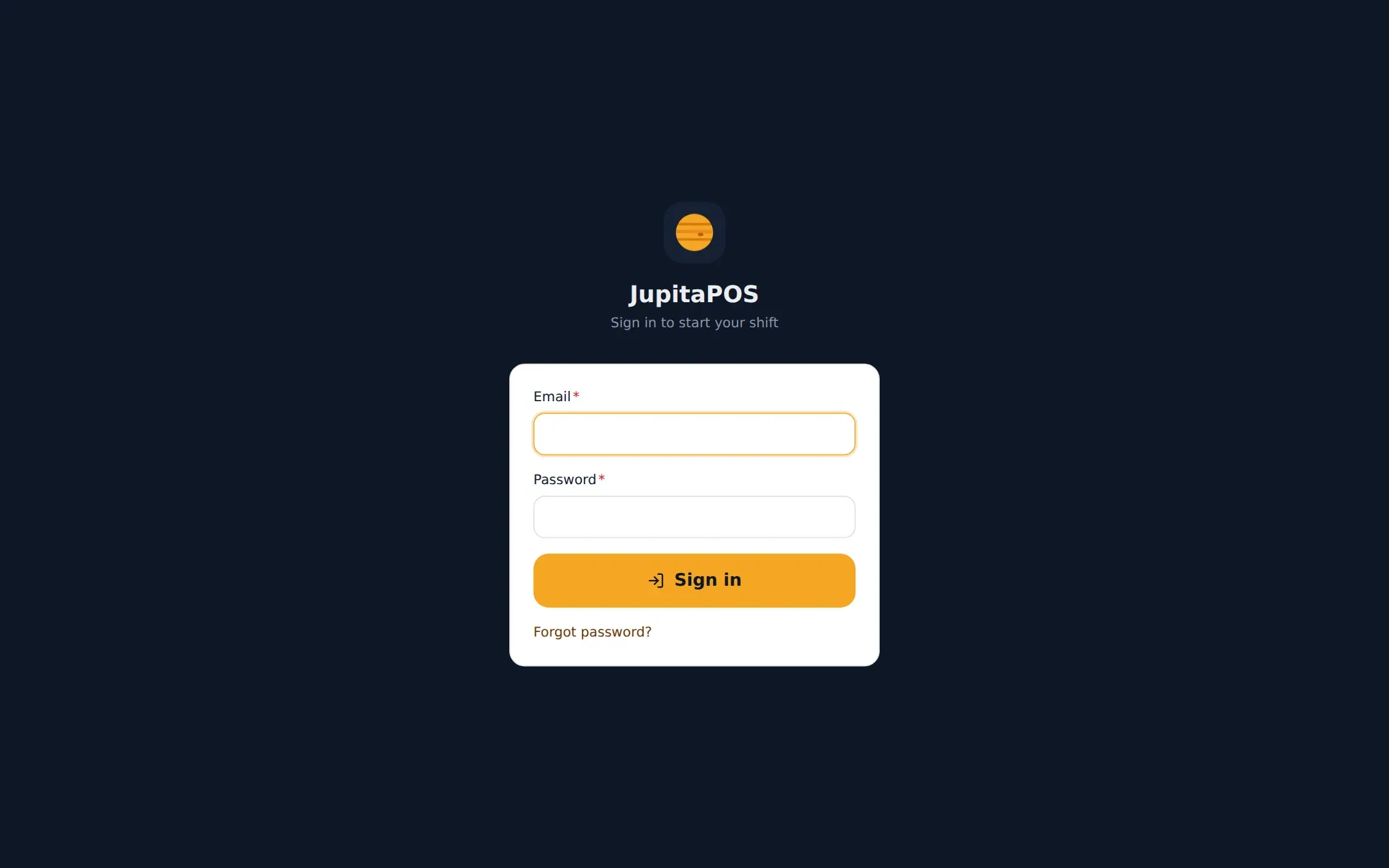

What your team sees at your address: the sign-in page of your own JupitaPOS.
Can’t find your address?
-
Look at a till
A till or kitchen screen open in a browser shows it in the address bar. In the installed app, ask your manager.
-
Ask your manager
Owners and managers know the address. Your account is created by them, in your business’s JupitaPOS.
-
On a shared till?
Tills approved by your manager let staff switch user with their PIN — no address to type.
Ordering from a restaurant?
Guest accounts live on that restaurant’s own ordering site. Use the link or QR code the restaurant gave you and sign in there.
New to JupitaPOS?
A business gets its own JupitaPOS when we set it up with you. Get started or take the tour.